Description
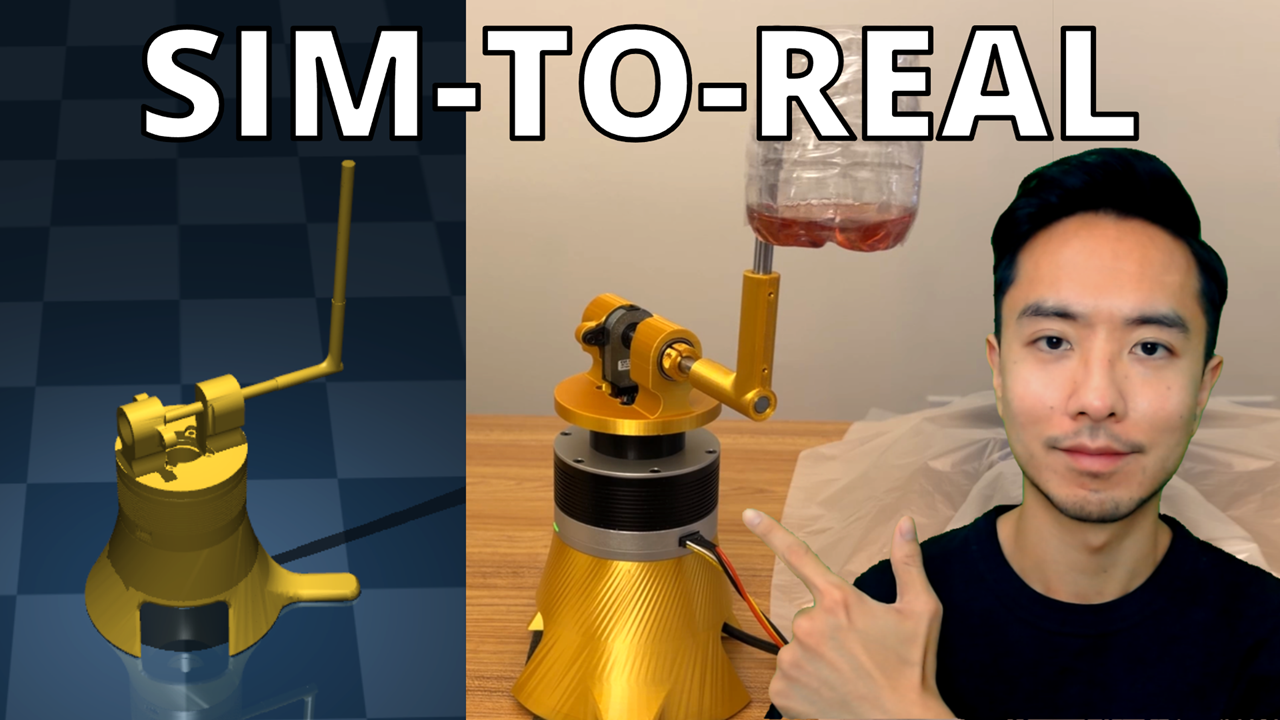
Most RL tutorials stop at simulation or show impressive hardware results without explaining the engineering process that made them work. This guide bridges the gap to real hardware with a complete working system – training code, hardware deployment, 3D models, trained checkpoints – and comprehensive documentation of the engineering methodology that made it work. You get the reward design process, sensor characterization approach, debugging frameworks, and decision-making that got RL working on a real robot. What could take you months of trial and error is compressed into a proven methodology you can follow in days.
Join Robotics Builder Membership for Behind the Scene Videos: https://www.youtube.com/channel/UC0jeEKE9IzfYKDuIbQLJIog/join
Get lifetime access to everything I’ve created—plus all future courses, projects, code, and resources:
https://kevinwoodrobotics.com/product/kevin-wood-robotics-all-access-pass/
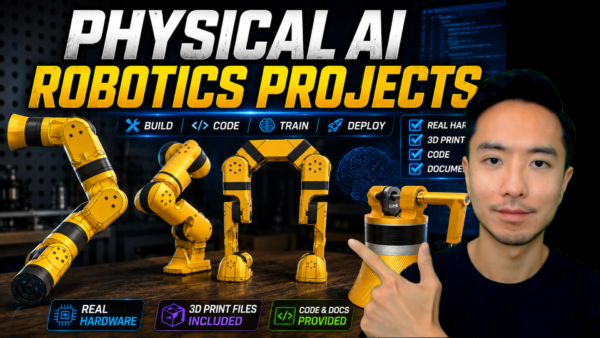
What’s Included
3D Models
- SolidWorks parts and assembly files
- STL models (3D printing ready + MuJoCo compatible)
Complete Codebase
- Hardware deployment (real-time RL control)
- Simulation inference (validate policies before hardware)
- Training pipeline (PPO + Gymnasium + MuJoCo)
- Trained model checkpoints
- Custom Gymnasium environment
- MuJoCo XML model
- Sensor characterization and analysis tools
Comprehensive Documentation (50 pages)
- REAME.md
- Software installation and setup
- Hardware wiring and setup
- Troubleshooting tips
- Setting Up Your MuJoCo Model
- Frame setup methodology for STL imports
- Actuator and joint configuration decisions
- Critical modeling mistakes that break sim-to-real transfer
- Matching Simulation to Hardware
- Motor characterization testing protocol
- Dynamics parameter tuning process
- Data collection and analysis methodology
- Training for Hardware Deployment
- Reward function design iteration process
- Curriculum learning approach for effective training
- Training performance analysis and stopping criteria
- Hardware Deployment and Debugging
- Sensor integration decision-making and trade-offs
- Velocity estimation approaches and noise handling
- Coordinate system validation methodology
- Systematic troubleshooting from first deployment to stable operation
Each section documents my complete engineering process: what I tested, what the data showed, how I made decisions, and why certain approaches failed. You see the iterations, not just the final solution.
What You’ll Be Able to Do
- Build accurate MuJoCo models that enable hardware transfer
- Train RL policies that work on real robots, not just simulation
- Systematically debug sim-to-real failures
- Apply this methodology to more complex robots (humanoids, quadrupeds)
Who This Is For
Perfect for:
- Robotics engineers deploying RL to hardware for the first time
- Researchers frustrated by sim-to-real transfer failures
- Students ready to move beyond simulation-only projects
- Anyone stuck at “it worked in MuJoCo but not on my robot”
You should have:
- Python programming experience
- Basic understanding of RL (inference, training, rewards)
- Hardware familiarity (motors, encoders, basic electronics)
Common Questions
Do I need the exact same hardware?
No. The rotary inverted pendulum is the example system, but the methodology applies to any robot. The guide teaches you the transferable process.
Is this just code, or does it include explanations?
Both. You get working code AND comprehensive documentation of the engineering decisions, troubleshooting process, and methodology behind it.
Why the Rotary Inverted Pendulum?
This is an ideal first sim-to-real project – complex enough to encounter real deployment challenges (sensor noise, timing, dynamics matching), simple enough to fully understand the complete process end-to-end. Master these fundamentals and you’ll have the methodology to tackle quadrupeds, manipulators, or humanoid robots.